Your day, in pictures
Visual Cue helps children and adults who think in pictures get through the day with less stress. Show what's happening now, what's next, and what they're working for, with clear pictures and a spoken voice.
View on the App Store ↗For iPhone and iPad, iOS 17 or later. No account, no ads, no tracking.
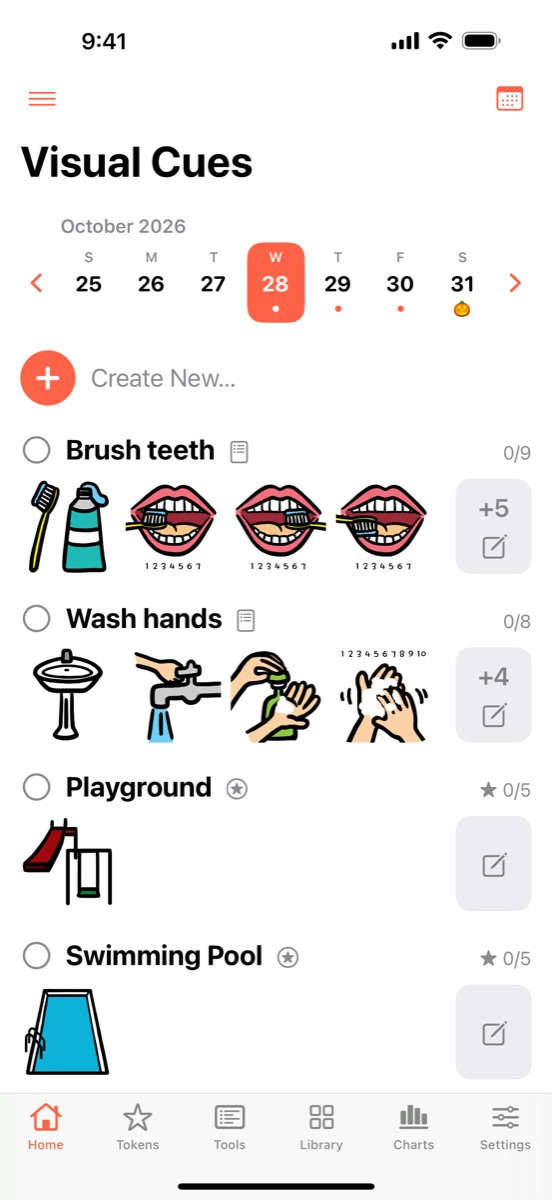
Built for visual thinkers
For autism, ADHD, Down syndrome, speech delays, and anyone who benefits from visual supports, at home, at school, and in therapy.
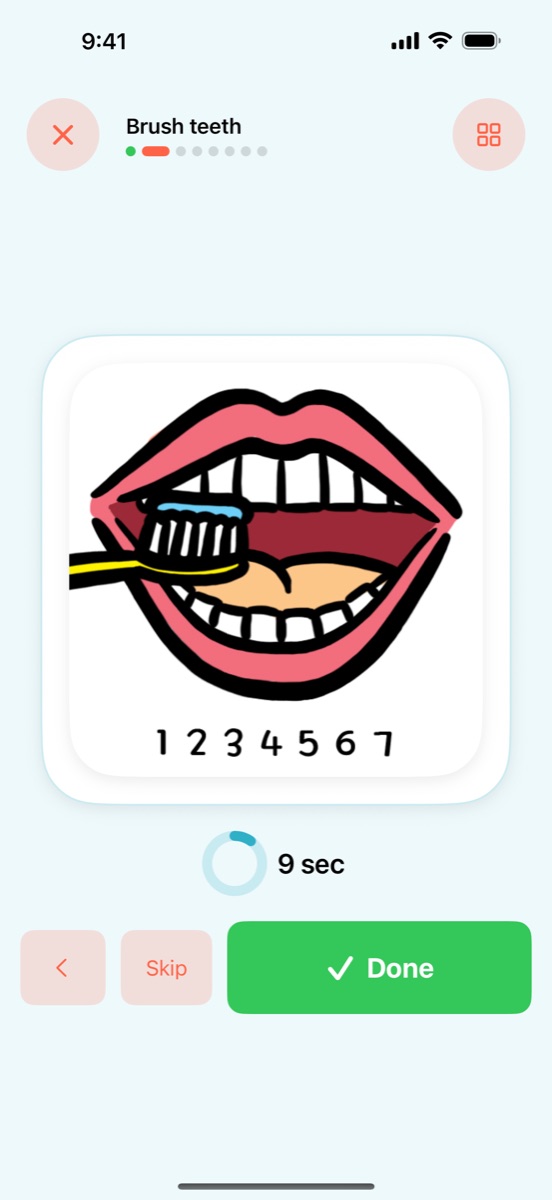
Cue Focused
One large picture at a time, with Done, Skip, and an optional step timer.
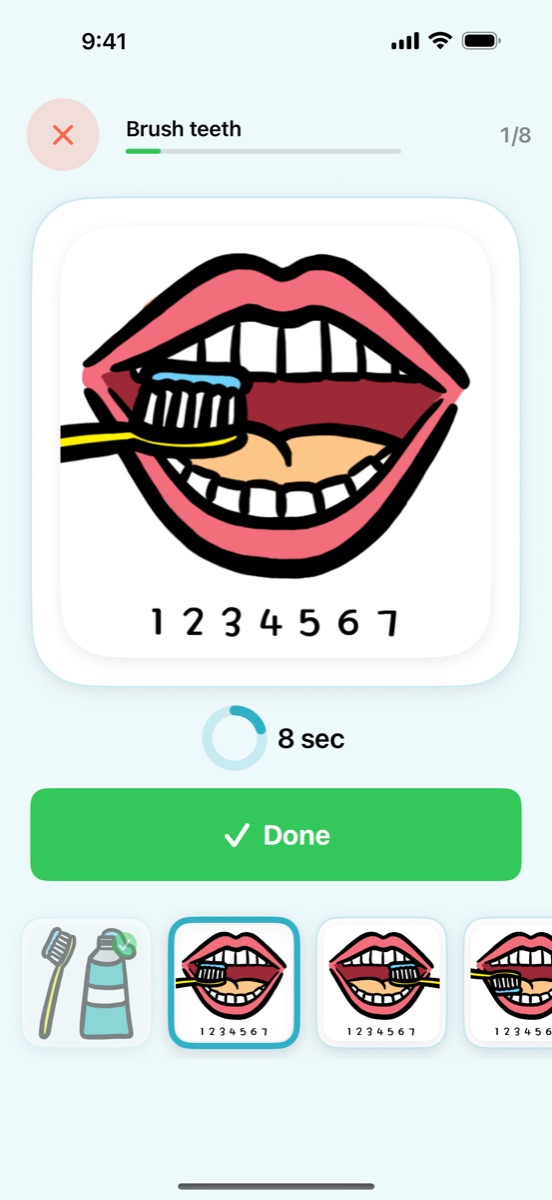
Working For
Every picture stays in view, so the person sees what's coming and chooses what to do next.
Plan ahead, and handle the moment
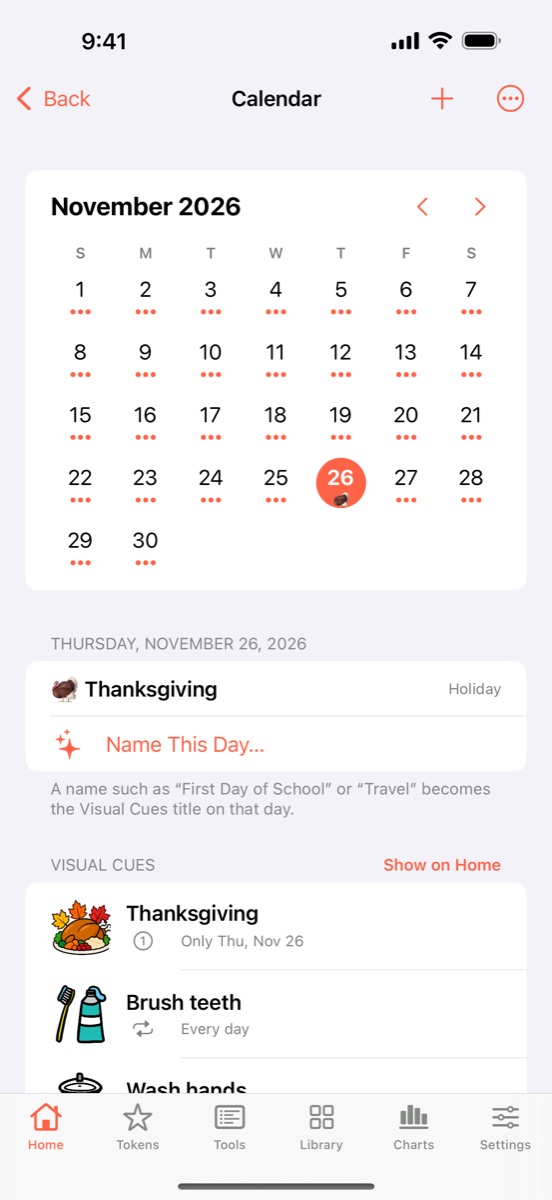
Everyday routines and one-off events sit together on a calendar, with gentle reminders at the time you set.
First–Then boards
Quick Access opens First–Then and Touch Choice in one tap, for on-the-spot moments.
Choice Boards
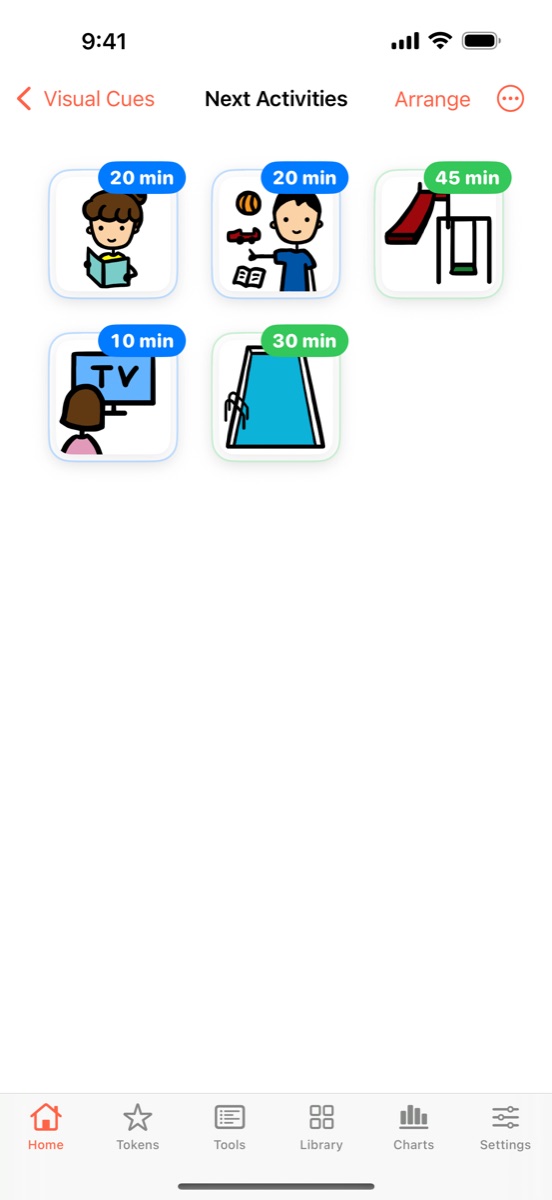
Place pictures anywhere, add a count or note like "3" or "20 min", and let them choose.
Visual Cue Boards
Tap a picture to hear it.
Token boards
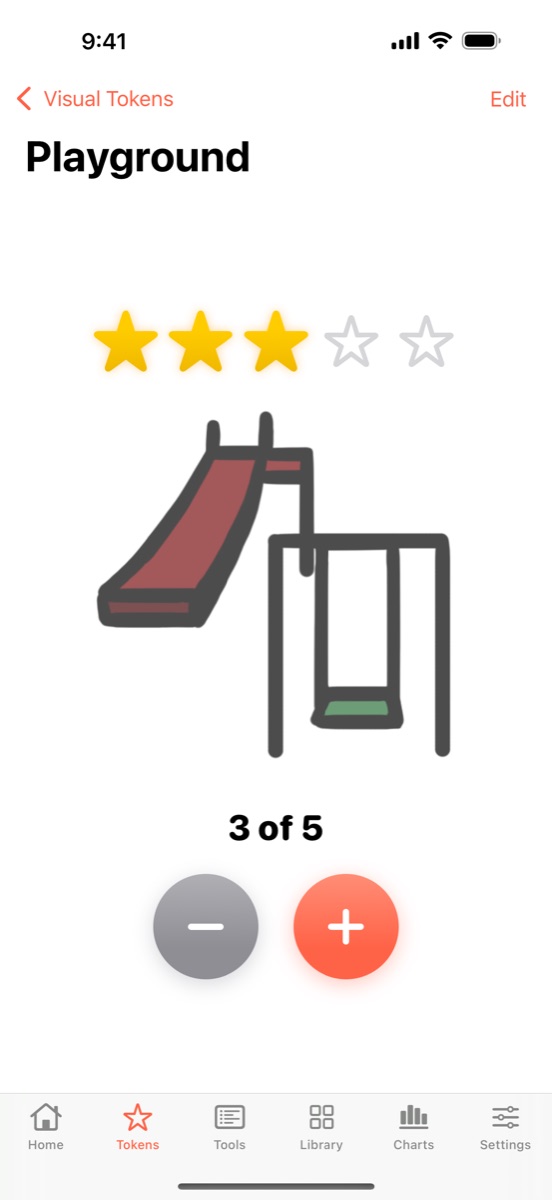
Earn stars toward a reward that appears as stars are earned.
Visual Timer
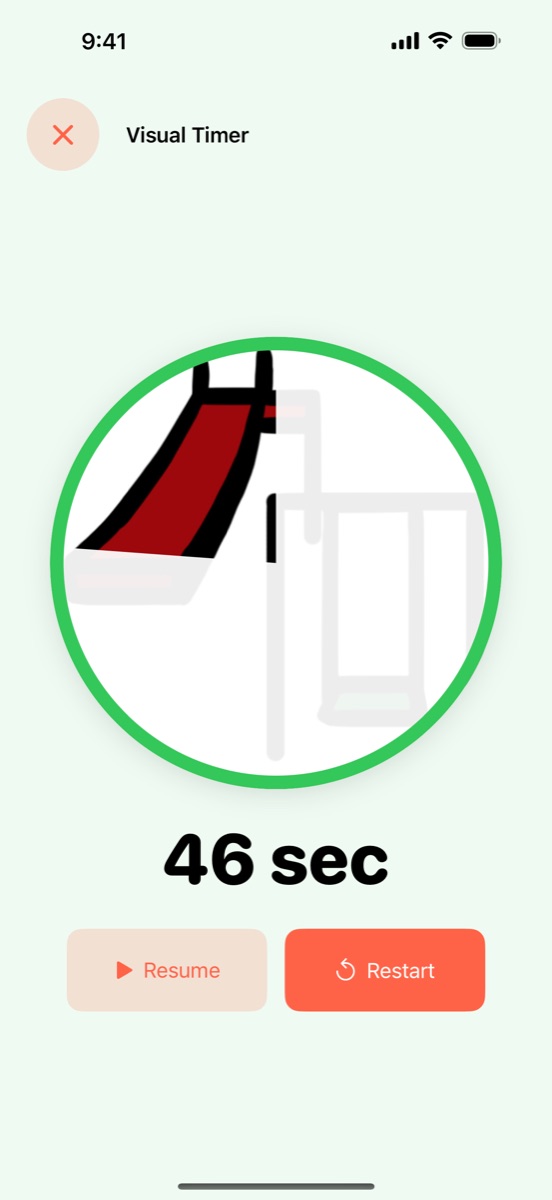
The picture is revealed as time runs out.
Count Up and Countdown
Tap to count, with every number spoken.
Yours, and private
Every finished step earns a star. Nothing is ever taken away, so progress always feels good.
Make it yours
Start with the library of Visual Cues, use your own photos, and record your own voice or use the built-in speech.
For your team
A clear report for parents, teachers, and therapists, spreadsheet export, and separate profiles for each person.
Private and offline
Everything stays on your device. No account, no ads, no tracking.
Moving from Visual Schedules or Visual Working For?
Both apps are retiring at the end of 2026. If you own one, you can get Visual Cue free and bring your library with you until December 31, 2026.
- Update Visual Schedules or Visual Working For to the latest version, then open it.
- Tap Get Visual Cue Free on the first screen, or in Settings → Move to Visual Cue.
- Once you have Visual Cue, tap Copy to Visual Cue in the old app.
- In Visual Cue, open Settings and tap Import from Schedules or Import from Working For.
Your schedules, pictures, recordings, and history come across, and nothing is removed from the old app, which keeps working on your device. Need help? See Support.