
Every voice has a story.
Pick a few photos, tell what happened in each one in your own voice, and Actually makes the video. No timeline, no effects, nothing to learn, so children can make a story on their own.
View on the App Store ↗For iPhone and iPad. Free, with optional Actually Plus.
Message Actually is now Actually. It's been rebuilt from the ground up for today's iPhone and iPad. When you update, your Message Actually stories, photos and recordings come across by themselves, and Actually Plus is yours for life.
Photos, voice, video
Made for children who communicate in their own way, including children with autism, speech delays or other communication differences, and for the families, teachers and therapists who support them.
Pick photos
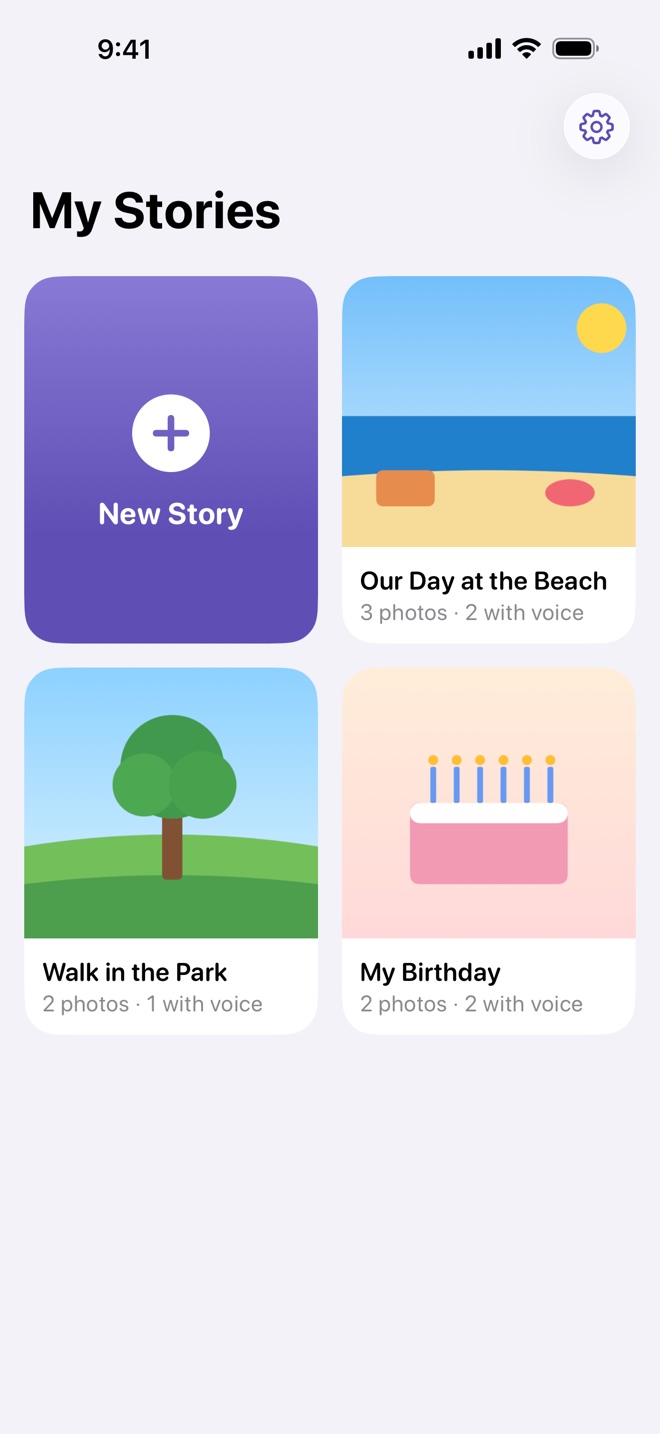
Choose photos from your library in the order you want them. Actually keeps its own copy, so your stories work offline.
Tell the story
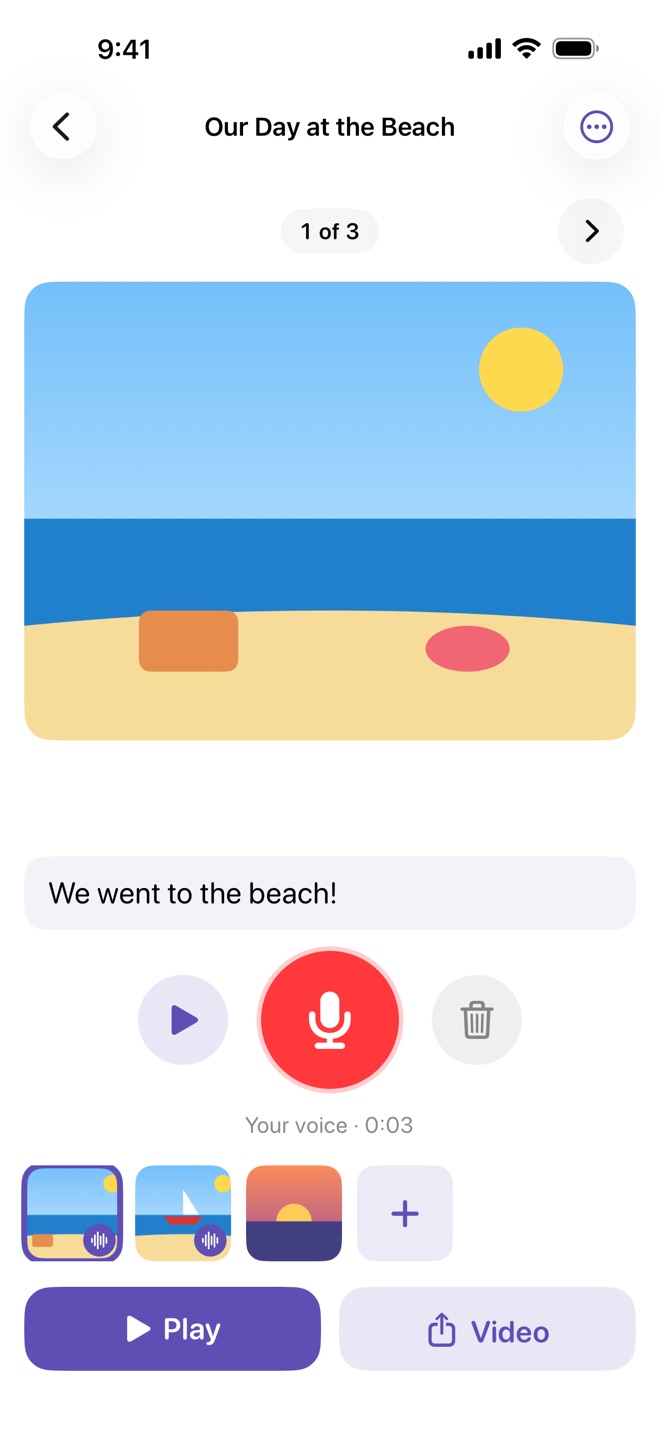
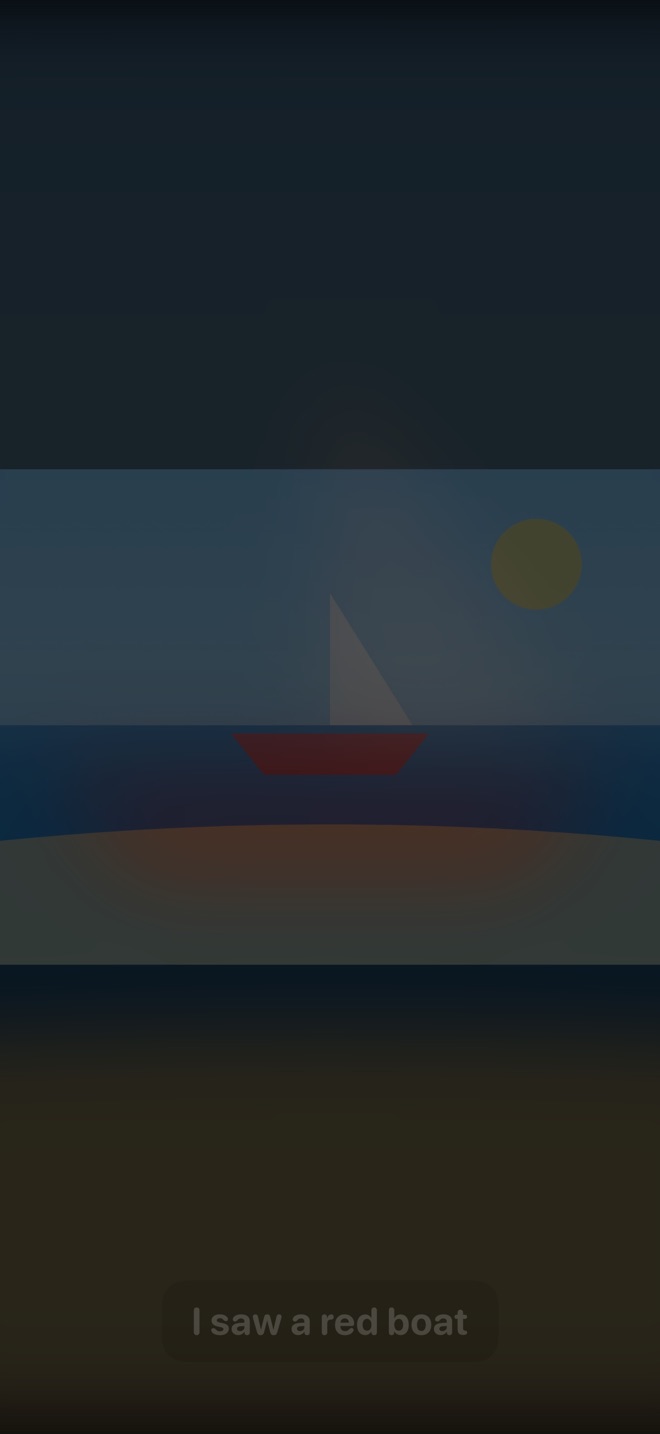
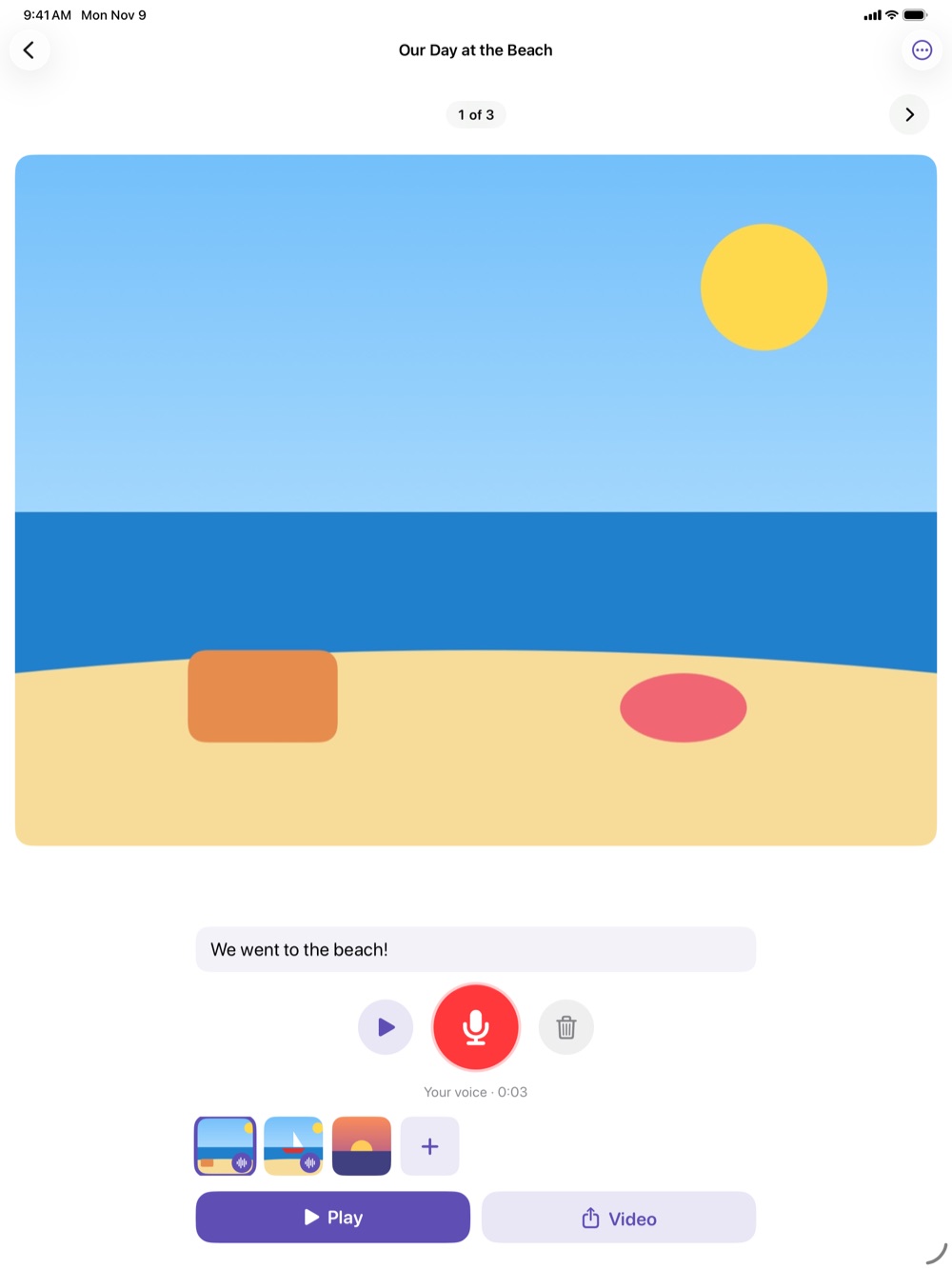
Tap the big red button and say what happened in each photo. Add a few words under any photo if you like.
Share the video
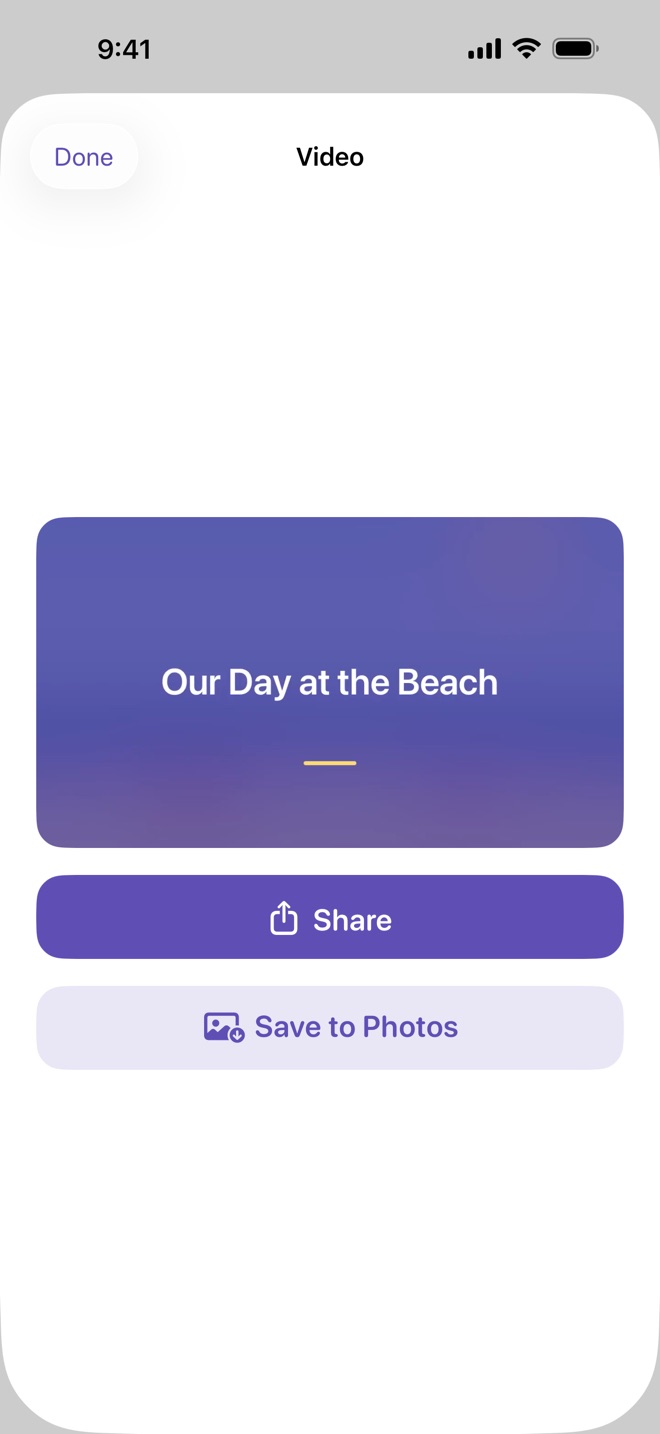
Play the story full screen, then make a video right on your device to save to Photos or share with family, school or therapy.
A closer look
Large buttons, one photo at a time, and nothing on the main path that needs reading or typing.
For every kind of voice
Not every child can record, and that's fine.
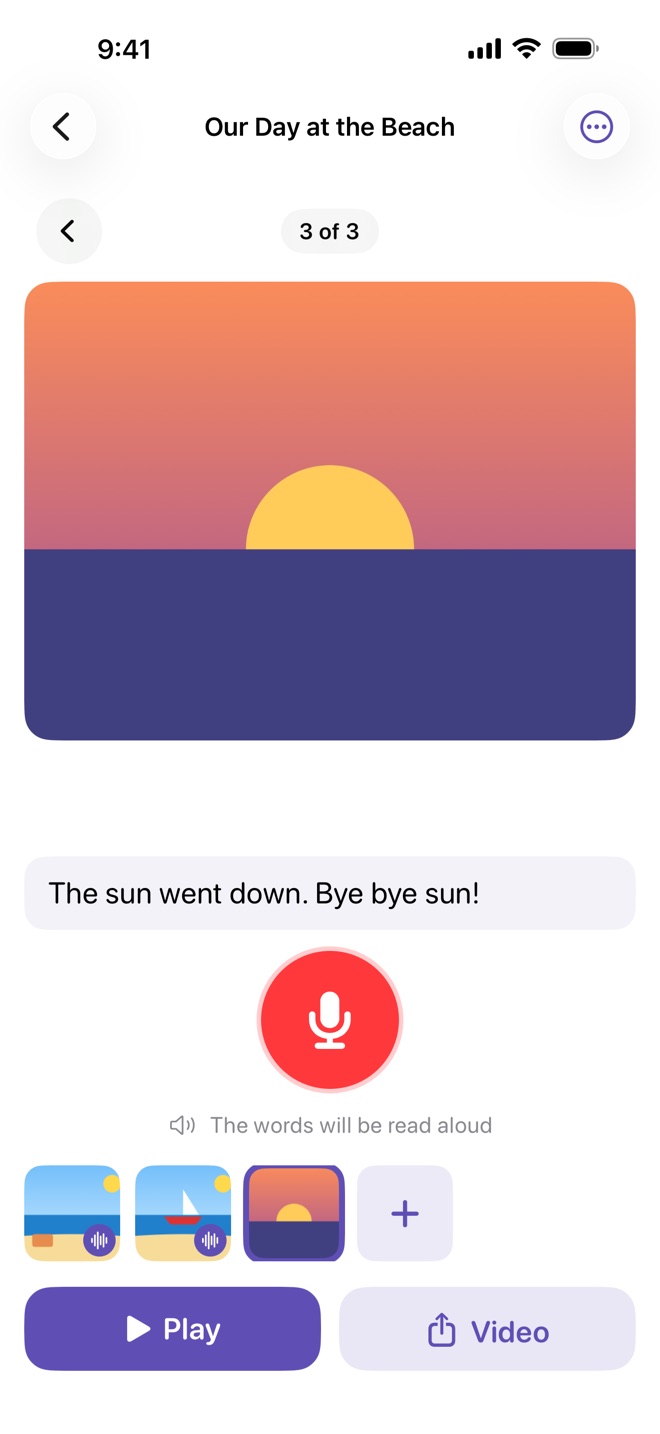
No recording? Words are read aloud
Type a few words under a photo and the device reads them when the story plays, and in the video. Choose the reading voice and how long each photo stays on screen.
Made to be easy to use
Big, clear buttons, VoiceOver labels and larger text support. Photos can be put in order with Move Up and Move Down buttons, not only by dragging.
Grown-ups stay in charge
Settings, purchases and links sit behind a quick sum for grown-ups, so little fingers stay in the story.
Stories for every day
A story can be a whole day out, or just three photos and a sentence each.
At home
- Tell grandparents about the weekend
- Remember a birthday or a holiday
- Practise talking about feelings with familiar photos
At school
- Share news on Monday morning
- Show what happened on a class trip
- Prepare for something new, with photos of the place
In therapy
- Practise sequencing: first, then, last
- Build sentences one photo at a time
- Send the video home so the work carries on
Free, with Actually Plus
Making, playing and sharing stories stays free for everyone. Plus adds a few extras and keeps this small app growing.
| What you get | Free | Plus |
|---|---|---|
| Stories, photos, recordings and words | ✓ | ✓ |
| Words read aloud, play full screen | ✓ | ✓ |
| Make, save and share videos | 720p, with a short closing Actually card | 1080p, and the closing card is optional |
| Story colours for title cards and captions | Lavender | Five colours |
| Supporter badge | – | With our thanks |
Plus is available monthly, yearly, or once as a Lifetime Supporter through your Apple Account; prices are shown in the app. Anyone who used Message Actually gets Plus for life.
Questions
I used Message Actually. What happens to my stories?
When you update to Actually, your stories, photos and recordings are brought across on your device the first time it opens. Message Actually's own files aren't changed. Your Actually Plus is free for life.
Do I need an account or the internet?
No. There's no account, and stories, playing and videos all work offline. A connection is only needed to buy Plus or to share a video.
Where are my stories kept?
On your iPhone or iPad and in its backups. Videos are made on your device. Nothing is uploaded unless you choose to share it. There are no ads and no tracking. See the privacy policy.
Which devices does it work on?
iPhone and iPad with iOS or iPadOS 17 or later.
Is this a therapy or medical app?
No. Actually is a storytelling tool. It doesn't diagnose or treat any condition, and it works well alongside the support a child already has.